
Balanset-1A
Portable Dual-Channel Rotor Balancer & Vibration Analyzer
- 2 Channels
- 100–100,000 RPM range
- 5–1000 Hz Frequency
- 4 kg Weight
When does VAT apply?
- 0% VAT — non-EU customers (export, all countries outside the European Union)
- 23% VAT — customers in Portugal
- 0% VAT — businesses in another EU country with a valid EU VAT ID (reverse charge)
- Local VAT — EU private individuals (rate of your country)
Laptop not included. The balancing software needs a Windows PC (7 / 8 / 10 / 11 — 32 or 64-bit) with one free USB port. Bring your own laptop or workstation.
Software Overview Engineer support- In stockEstimated dispatch: 1-5 business days
- 2-year warrantyFree replacement of faulty parts
- 30-day return policyCommercial return option; conditions apply
- DHL / UPS tracked deliveryCost calculated at checkout based on destination
Description
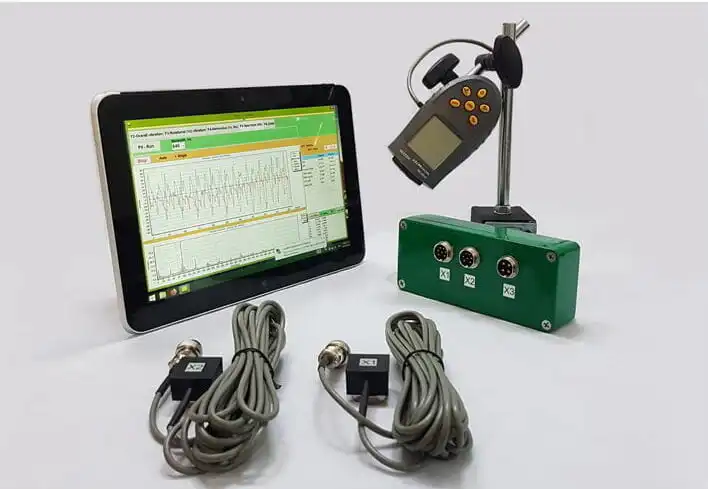
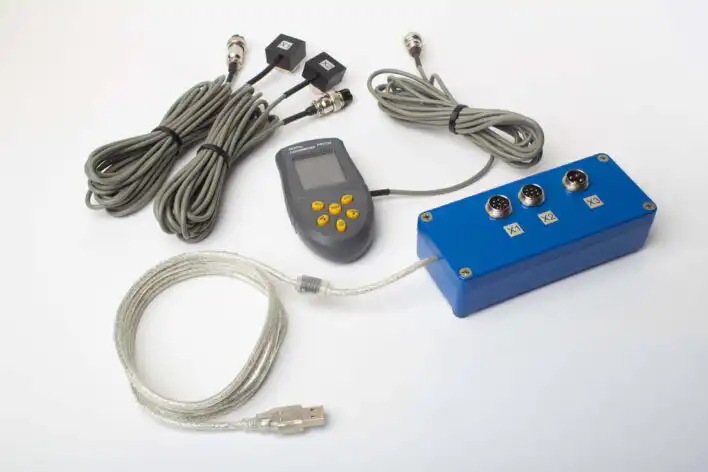
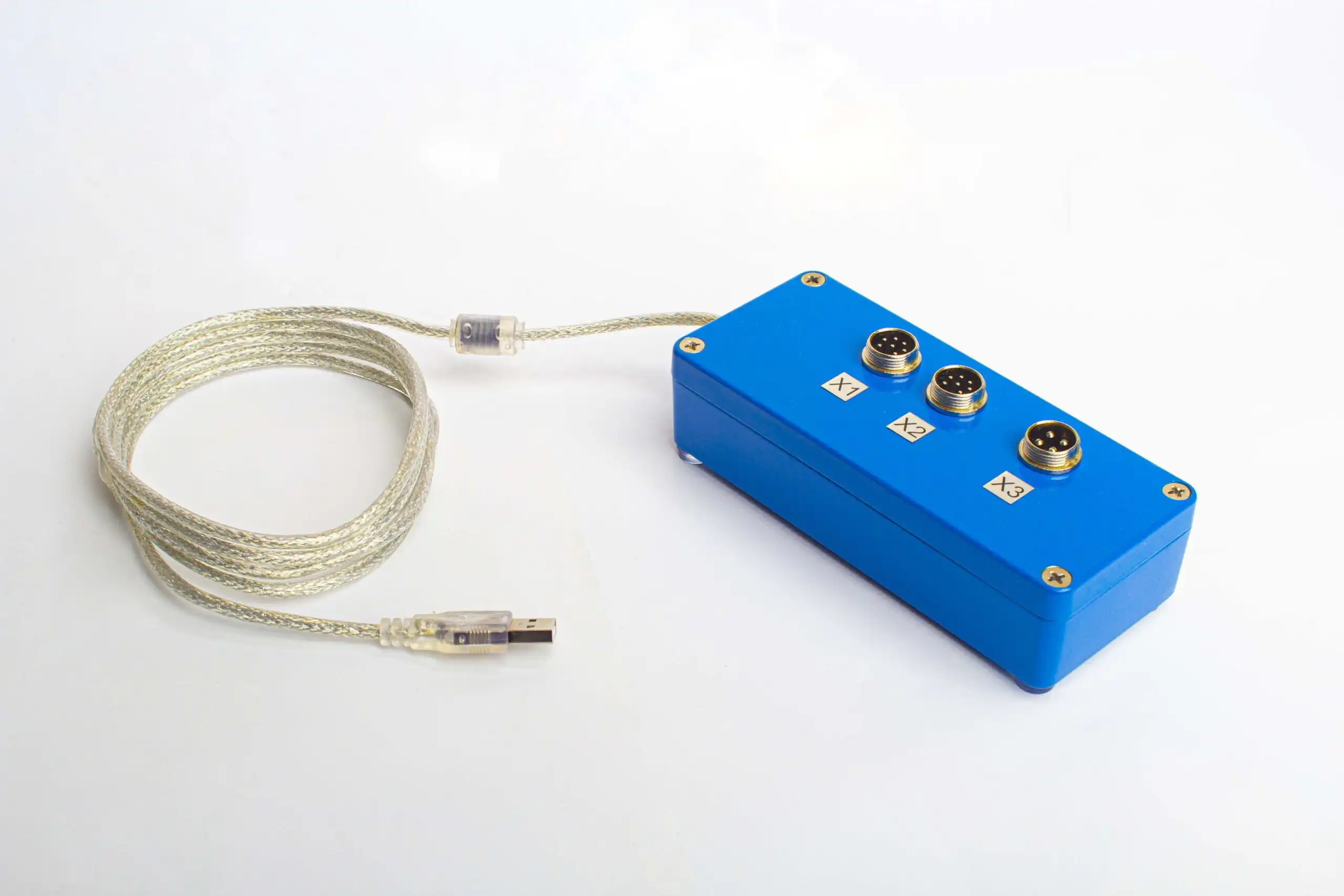
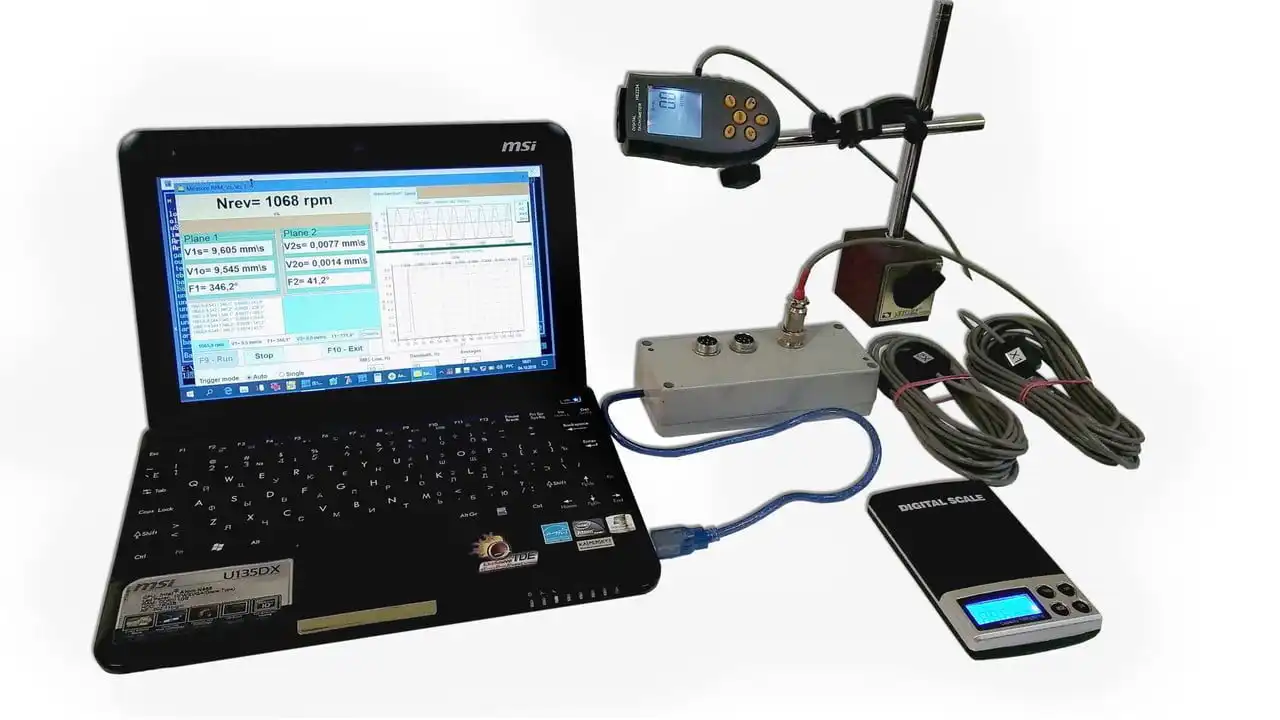
Balanset-1A is a portable, USB-powered vibration analyzer and balancer for one- and two-plane balancing of rotors in their own bearings. The Full Kit includes the interface unit, two vibration sensors, optical laser tachometer, reflective tape, Windows balancing software on a USB drive, magnetic stand, digital scale and transport case. Requires a compatible Windows computer with a free USB port; computer not included. The sensors and software measure vibration and calculate correction mass and angle from trial-weight runs.
Software Overview
Balancing modes, vibration charts, step-by-step procedure — explore the interface before ordering.
Technical specifications
Full Kit vs OEM
Both bundles include the same balancer unit and software. They differ in what comes in the box.
| Component | Full Kit | OEM |
|---|---|---|
| Balanset-1A interface unit | ✓ | ✓ |
| Vibration sensors (×2) | ✓ | ✓ |
| Optical laser tachometer | ✓ | ✓ |
| Balancing software on USB drive (Windows) | ✓ | ✓ |
| Reflective tape | ✓ | ✓ |
| Magnetic stand | ✓ | — |
| Digital scale | ✓ | — |
| Plastic transportation case | ✓ | — |
Laptop is not included. Software runs on Windows 7 and higher.
How field balancing works
Single-plane or two-plane dynamic balancing, on-site, without disassembly. Typical workflow: 20–40 minutes per rotor.
-
Step 1Setup
Mount vibration sensors on the bearing housings, stick reflective tape on the shaft, connect the laser tachometer and the USB unit to your laptop.
-
Step 2Initial run (Run #0)
Spin up the rotor and let the speed stabilise. The software records baseline 1× amplitude and phase in both planes — this is the starting imbalance.
-
Step 3Trial weight runs (Run #1 & Run #2)
Attach a known trial weight in plane 1, run the rotor, record the new vibration. Stop, move the trial weight to plane 2, run again. From these two responses the software computes how the rotor reacts to added mass in each plane — the influence coefficients.
-
Step 4Apply correction & verify
Remove the trial weights. The software outputs the exact mass and angular position of the final balance weights for each plane. Bolt or weld them in place, run the rotor again, and check that the residual vibration is within ISO 21940-11 tolerance. Add a small fine correction if needed.
Why bother with trial weights at all?
Without a trial weight the device only sees that there is vibration. It can't know:
- how much corrective mass is needed,
- where exactly on the rotor it has to sit,
- how the rotor & supports respond to mass added in each plane.
The trial weight introduces a known change of imbalance. By comparing vibration before and after, the software calculates the influence coefficients — and from those, the exact mass and angle of the final balance weight. No guessing, no iterative trial-and-error.
Documentation & support
- Operation manualFull setup, balancing workflow, software reference
- Frequently asked questions43 answers about Balanset-1A · updated 2025
- Field balancing guideTheory, practice, and problem-solving
- Field cases from engineersReal balancing stories — fans, mulchers, crushers, shafts. Discussions on our community forum.
- Engineer supportDirect contact for technical questions
Manufacturer and safety information
Manufacturer and safety information
Manufacturer
VibromeraR. Nova da Madorninha 152
4460-376 Sra. da Hora, Porto
Portugal
info@vibromera.eu
VAT (NIF): PT314539760
Safety information and warnings
- Class 2 laser product. The phase sensor emits a visible laser beam. Do not stare into the beam and do not point it at people.
- Electrical safety. Observe electrical safety regulations when working on 220 V equipment. Never repair the device while it is connected to 220 V.
- Machine lockout. Always apply lockout/tagout procedures before installing sensors.
- Protective equipment. Wear safety glasses and hearing protection, and avoid loose clothing near rotating machinery.
- Secure installation. Make sure all sensors and cables are fastened and cannot be caught by rotating parts.
- Trained personnel only. Know the location of emergency stops and the shutdown procedure before starting work.
You may also like…
-
 Devices
Balanset-4
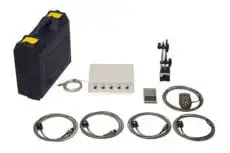
Balanset-4 is a four-channel vibration analyzer and balancing system for correction in one to four planes. Designed for cardan shafts and rotors supported on four bearings, it can also serve as the measuring system for a balancing machine. The kit includes four vibration sensors, an optical laser tachometer, USB interface, software, magnetic stand, scale and transport case.
Related products
-
 Parts
PartsVibration sensor
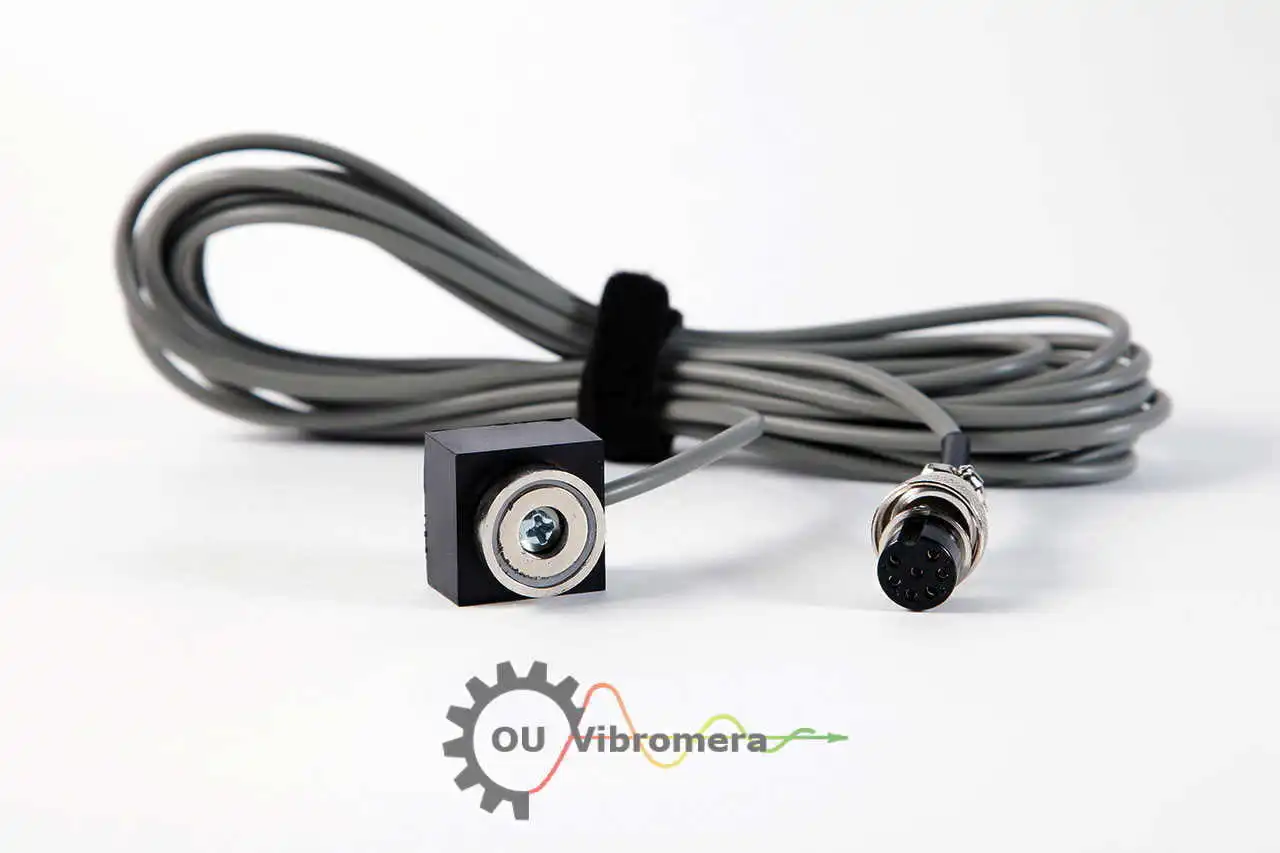
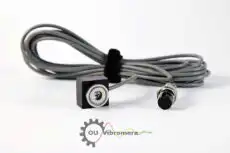
Vibration sensor for Balanset balancing devices, based on the ADXL335 accelerometer. Supplied with a 5 m cable as standard for measuring vibration during rotor balancing and analysis. A 10 m cable option is available.
-
 Parts
PartsReflective tape
Silver self-adhesive reflective tape for the optical laser tachometer in Balanset balancing kits. Apply a small piece to the rotor to provide a reflective reference mark for rotational speed measurement. Supplied as a 1 m length for multiple setups.
-
 Parts
PartsMagnetic Stand Insize-60-kgf
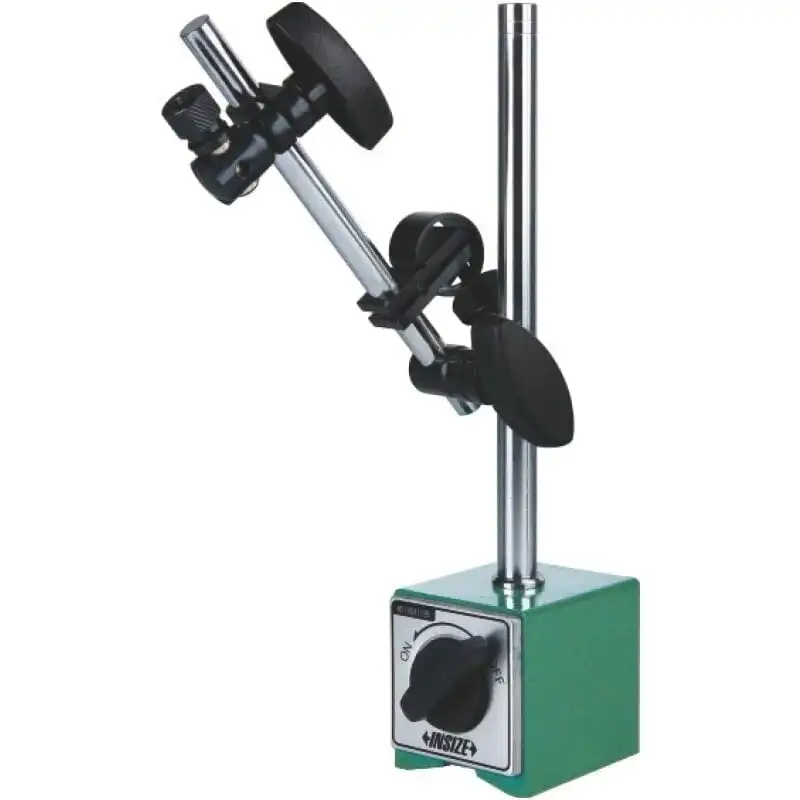
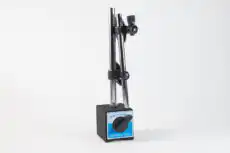
Adjustable magnetic stand for positioning the laser RPM sensor in Balanset balancing kits. The switchable magnetic base provides up to 60 kgf of holding force on suitable ferromagnetic surfaces. Adjustable arms and joints help align the sensor with the reflective mark on the rotor.
-
 Parts
PartsOptical Sensor (Laser Tachometer)
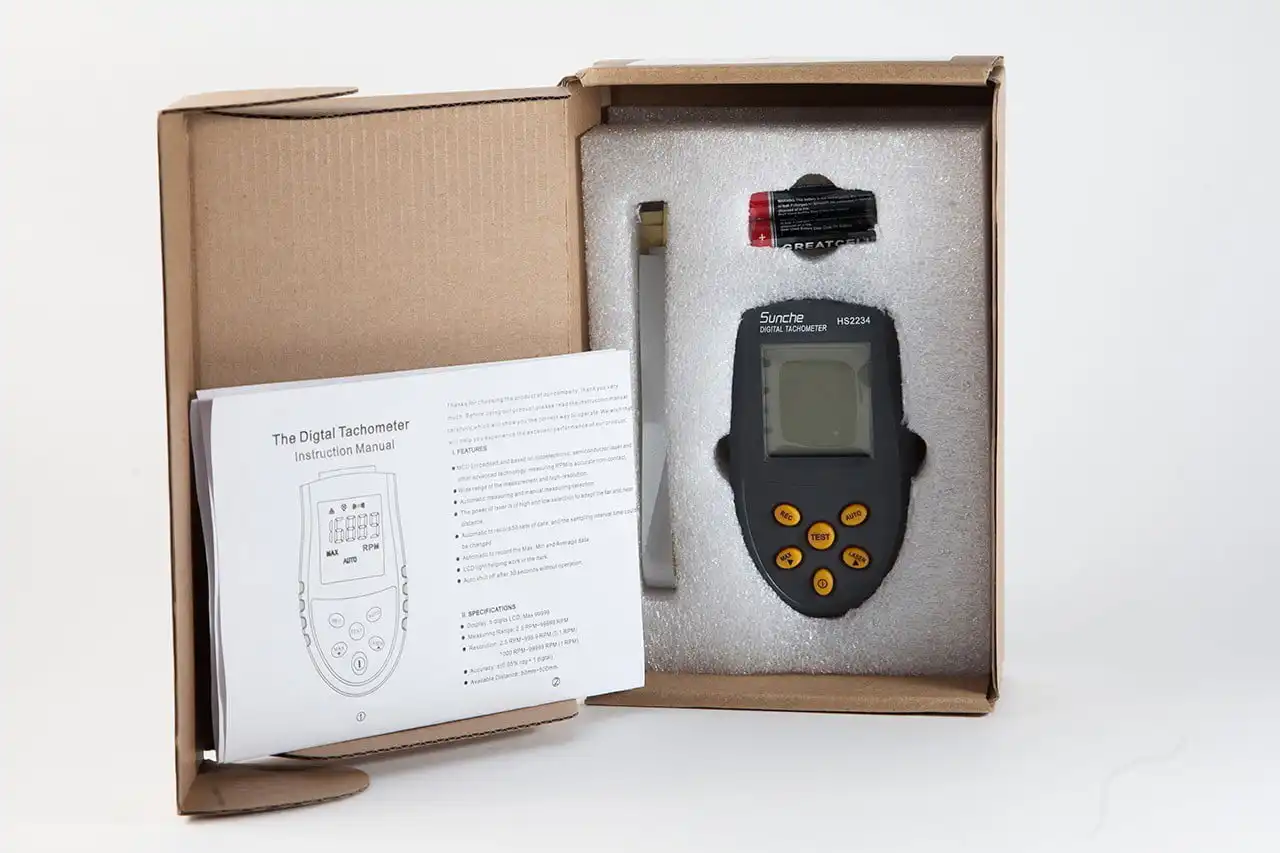
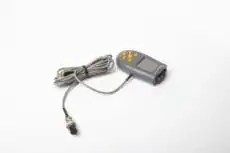
Optical laser sensor for Balanset balancing devices, based on the modified HS2234 tachometer. Measures rotational speed without contact using a reflective mark on the rotor. Supplied with a 5 m cable as standard; a 10 m cable option is available.